Background Picker Using HTML, CSS, JavaScript

I'm Shubham (@shubhamsinghbundela), I'm a Software Engineer, a Full-stack developer, a tech enthusiast, and a technical writer here on @Hashnode. I have a strong zeal to share my acquired knowledge and I am also willing to learn from others.
Hi everyone,
Welcome to my blog. In this post, I will show you how to code your first DOM project.
In this project, We want the Background Image will be changed after we manipulate the DOM i.e. after clicking time of the day.**

Link- https://time-of-the-day-picker.netlify.app/
Github Link- https://github.com/shubhamsigdar1/Background-Picker
What is DOM?
When we do rendering/Painting on our HTML and CSS in a browser i.e. make some changes and as we refresh our webpage all those changes are gone i.e. we re-rendered or repainted our HTML and CSS files i.e. called DOM
How we can add behavior and interaction to DOM so that we can manipulate the DOM?
We use the JavaScript to manipulate the DOM
Note:-When we manipulate the DOM, We do not manipulate with actual HTML, CSS file
How to get started?
1. Install VS Code https://code.visualstudio.com/download
2. Install the extension(open in browser) in Vs Code.
3. In your text editor, create a folder Background-Picker and then create three separate files i.e. HTML, CSS, and JavaScript. This just basically makes your code more organized.
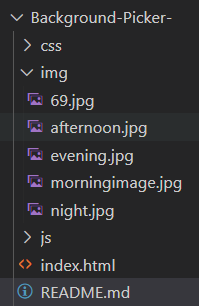
Resources
1. Images from this website:- https://www.freepik.com/
2. fonts from this website :- https://fonts.google.com/specimen/Kaushan+Script
Let's Start working on projects
First, we start from HTML files, where you can link CSS and JavaScript files using the code below:
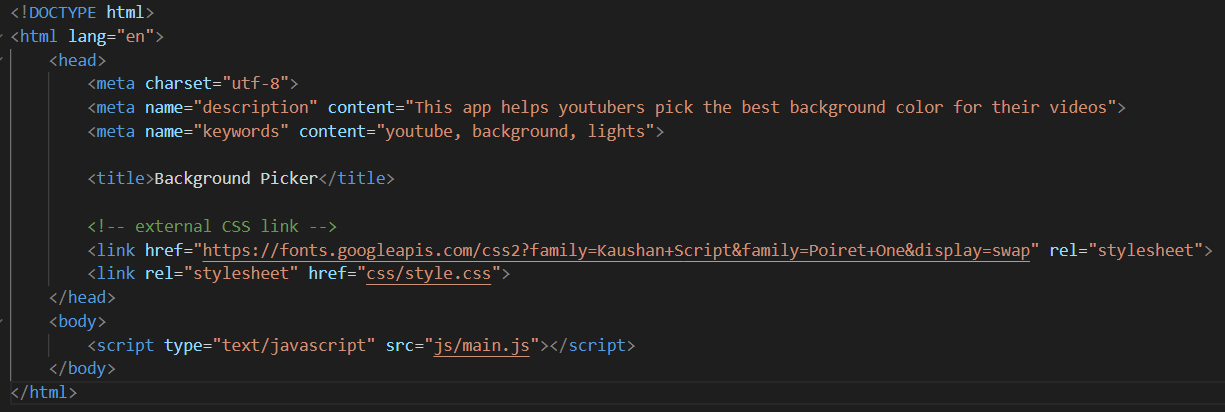
Below is the HTML code
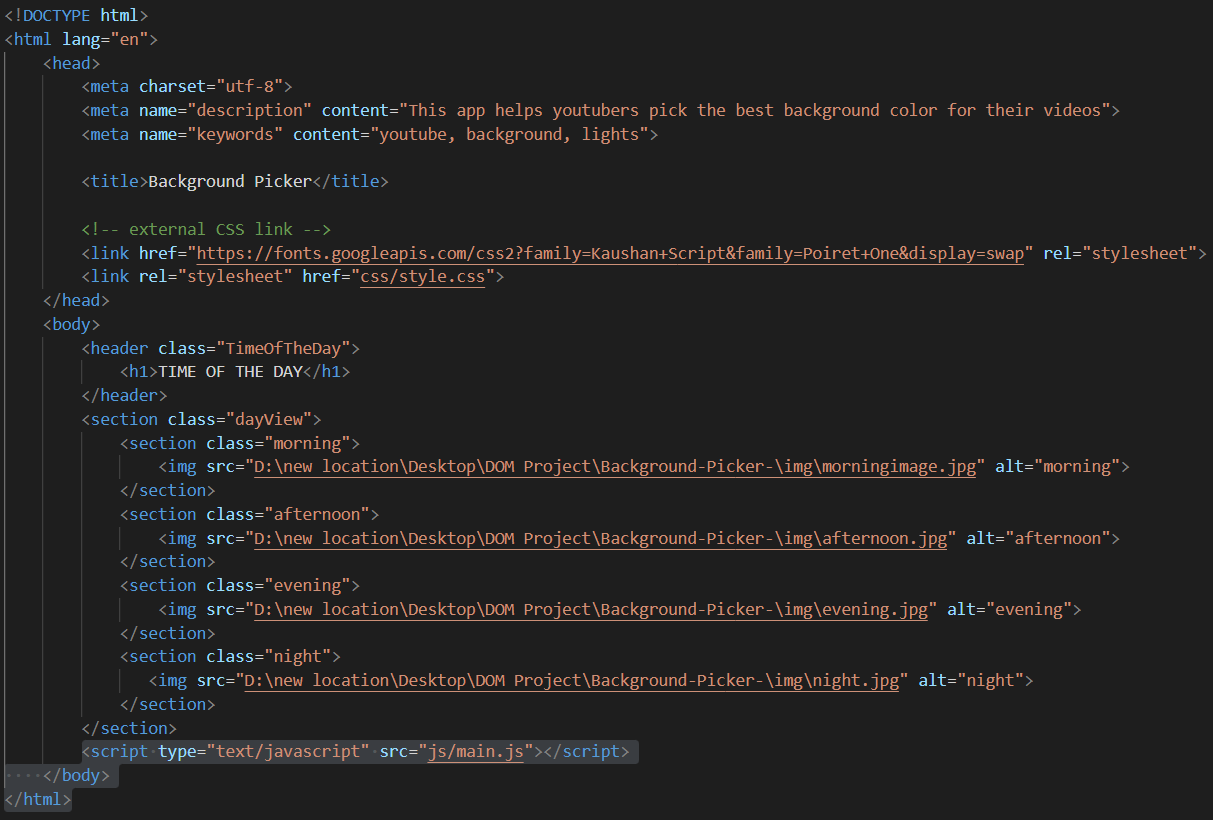
In the above HTML code,
1. Code to link your HTML with the CSS file and we write it inside the head tag

2. Code to link your HTML with the JavaScript file and we write it inside the body tag

Below is the CSS code
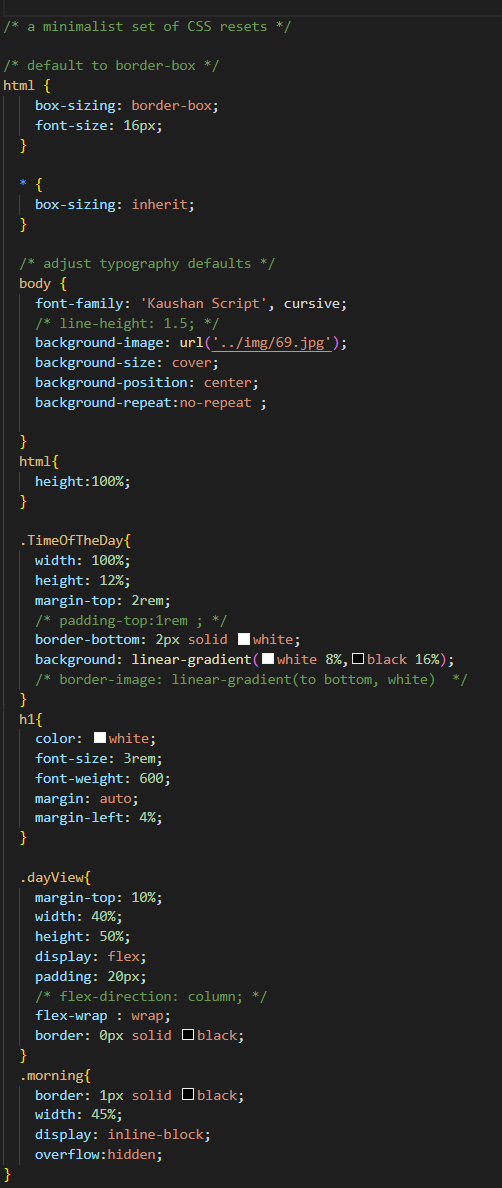
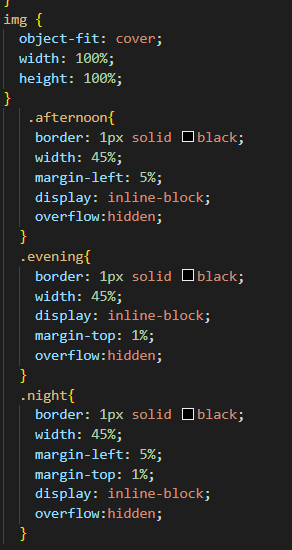
In the above CSS code,
1. How I do this portion using flexbox?
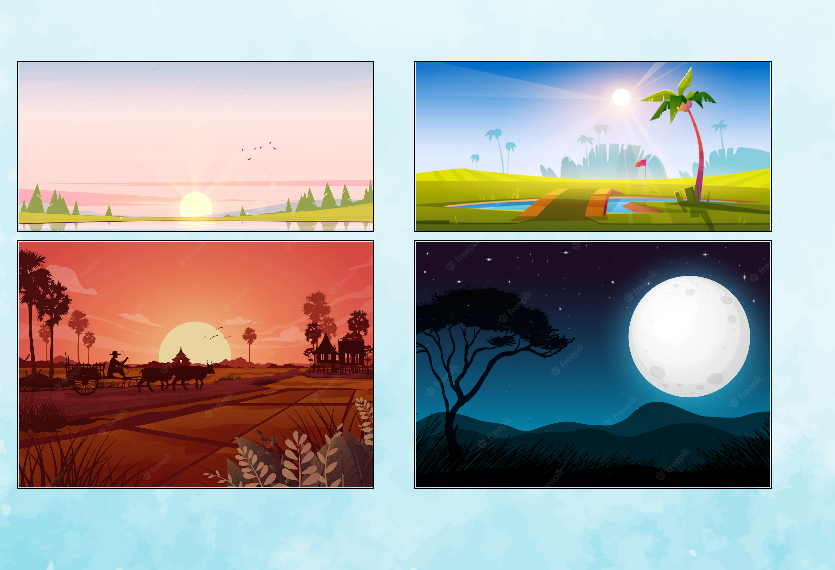
I give parent section two property display: flex; and flex-wrap : wrap;
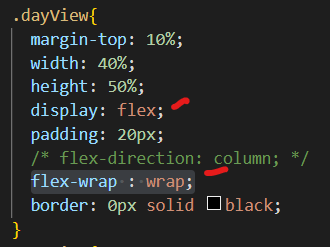
display: flex;
Whenever we want to use flexbox, We have to apply display: flex inside the parent container
flex-wrap : wrap;
This property helps you set the number of flex-items you want in a line or row.
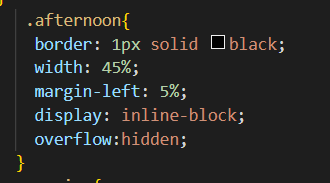
2. How I add images in a section?
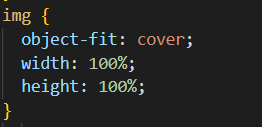
I use always this property for img tag and Section in which we have to put the image I apply property "overflow: hidden;"
Below is the JavaScript code
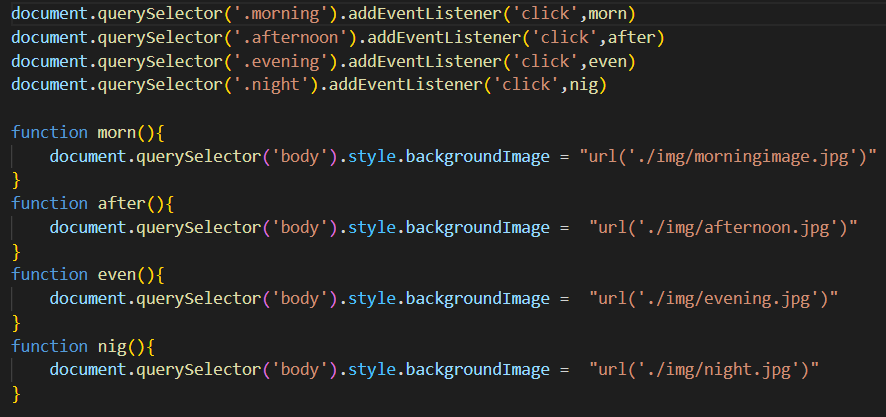
In the above JavaScript code,
1. We want that when we click the images of the day and then run the function morn(), For that, we write code

2. When the button is clicked on morning image what first thing function morn() needs to figure out?

3. How to add background image in DOM?

./ starts in the same folder as the file that is making the reference
you could also just do img/evening.jpg
../ - goes up one level
/ would start at the root (your C: drive or whatever drive you are on locally... when you host, it starts at www.yoursite.com/)


