Lets Install And Get Started With Node.JS

I'm Shubham (@shubhamsinghbundela), I'm a Software Engineer, a Full-stack developer, a tech enthusiast, and a technical writer here on @Hashnode. I have a strong zeal to share my acquired knowledge and I am also willing to learn from others.
Installation Process
Search on Google: install node
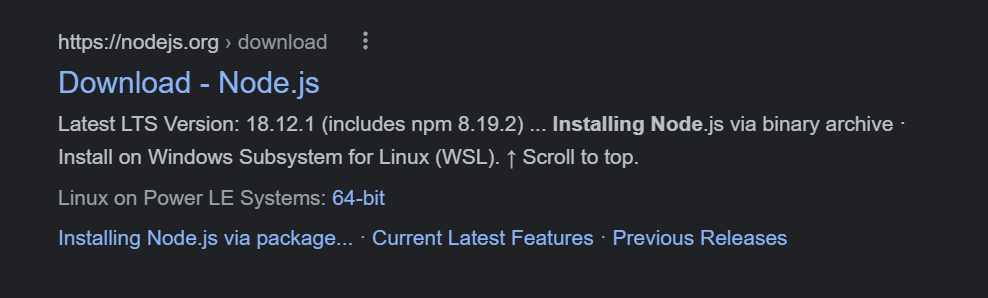
Click on Link https://nodejs.org/en/download/
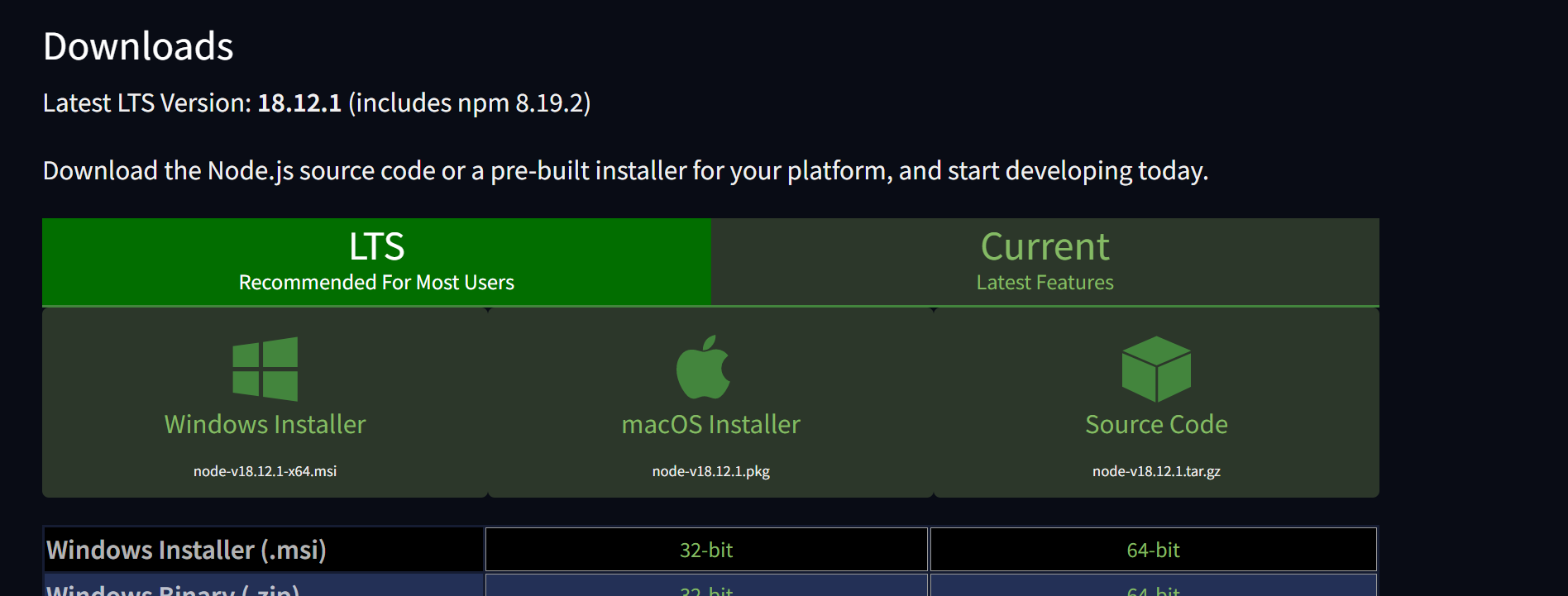
Choose either LTS or Current depending on you i.e. you want the latest features by choosing the Current one or old features that already worked and reviewed.
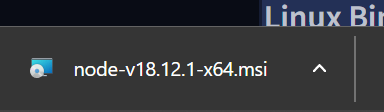
After clicking on window Installer you see its started downloading
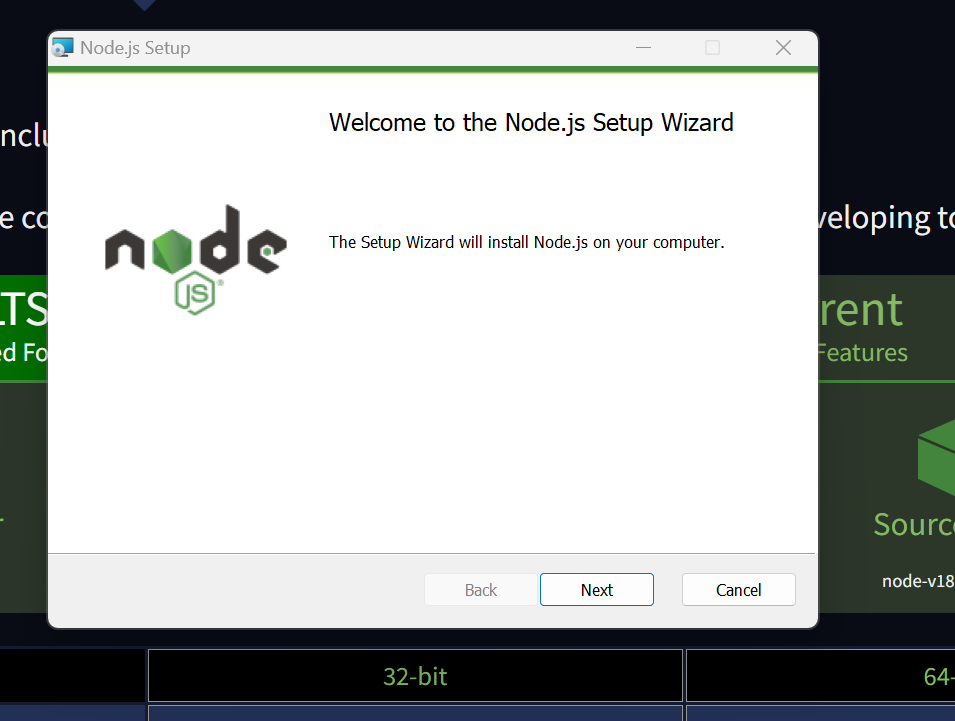
Click on next
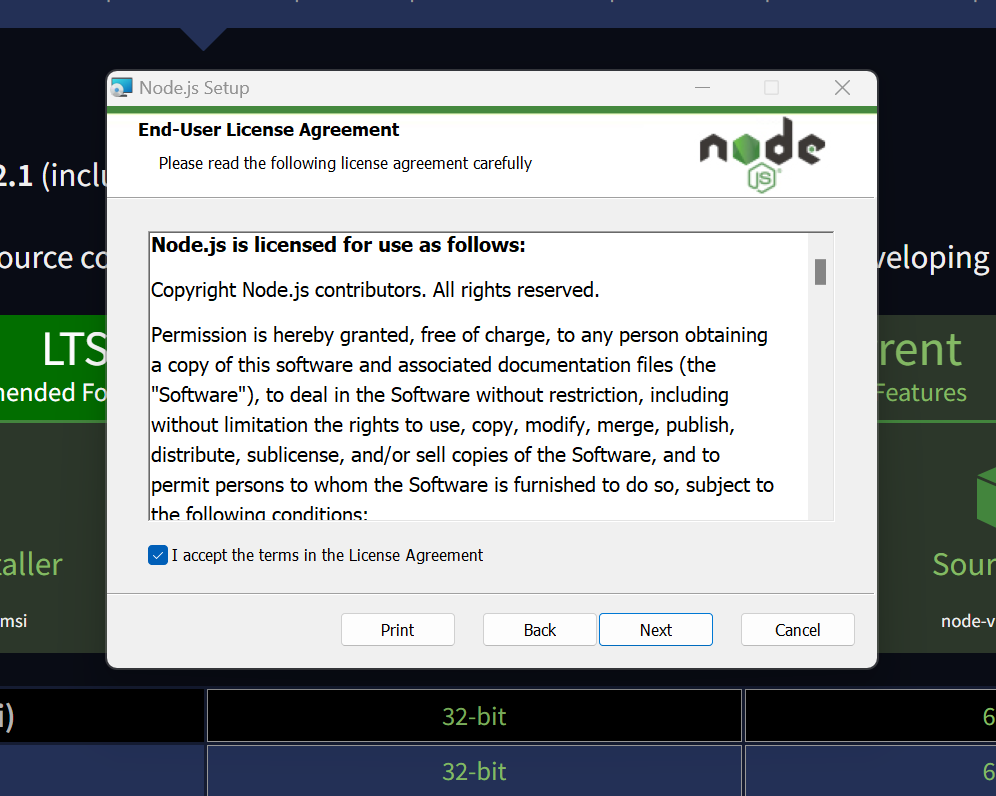
Read and Accept term in the license Agreement and click next
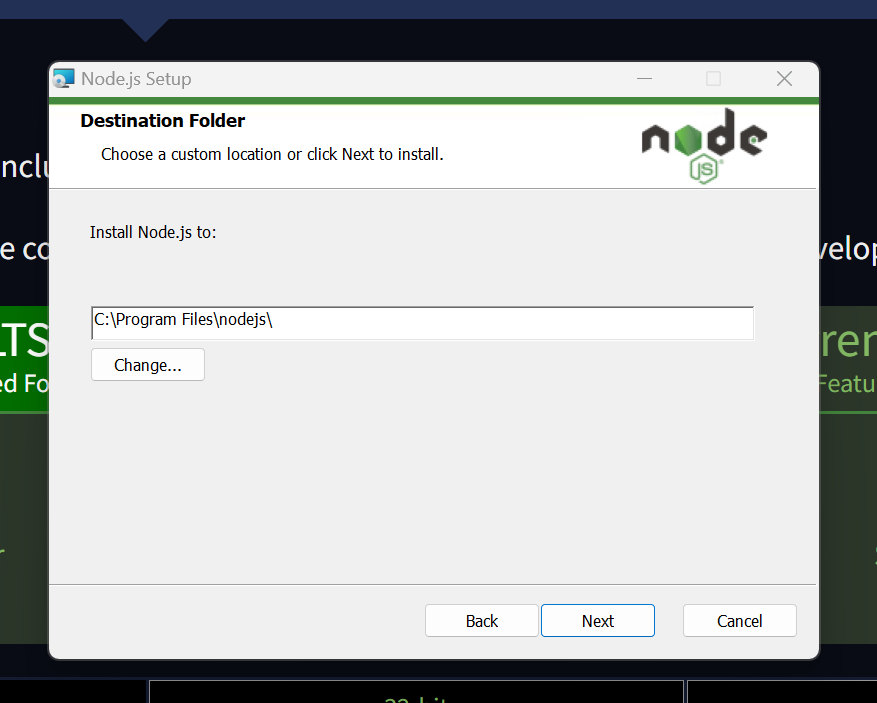
Click next
Click next
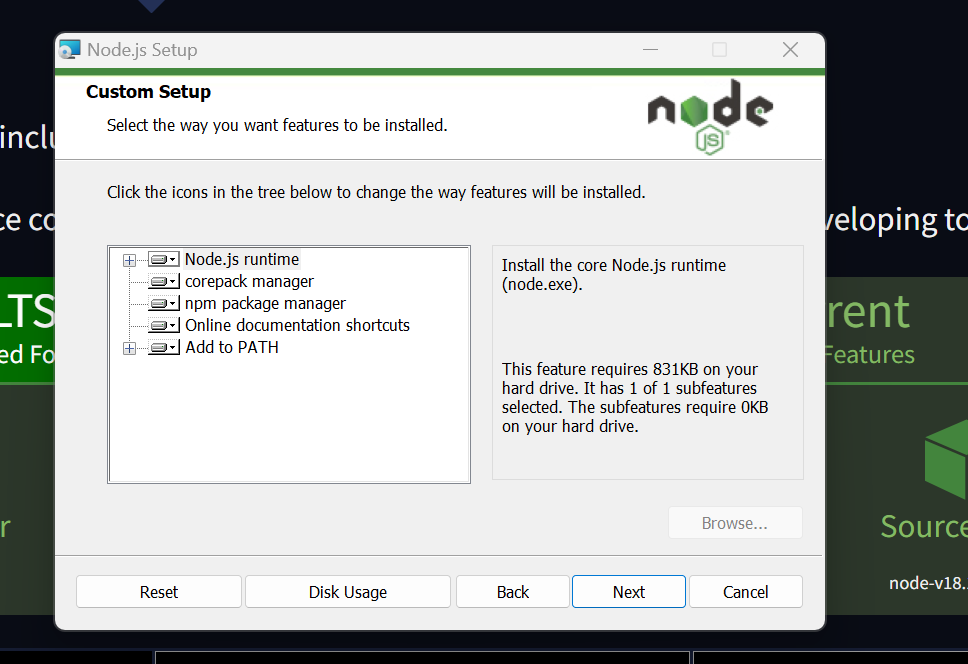
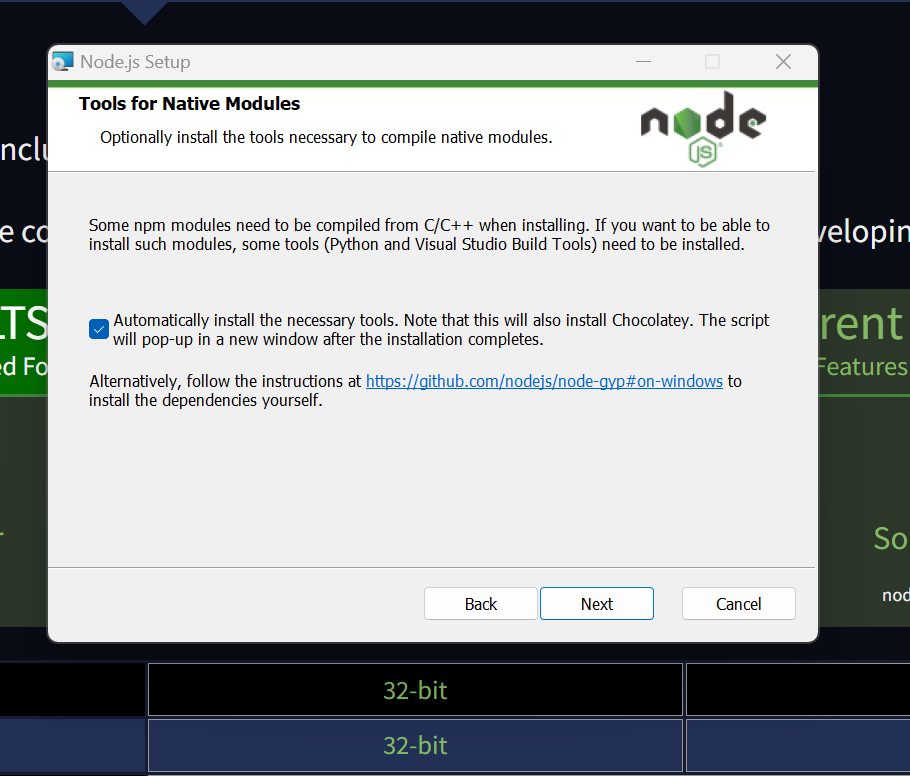
Choose checkBox and click next
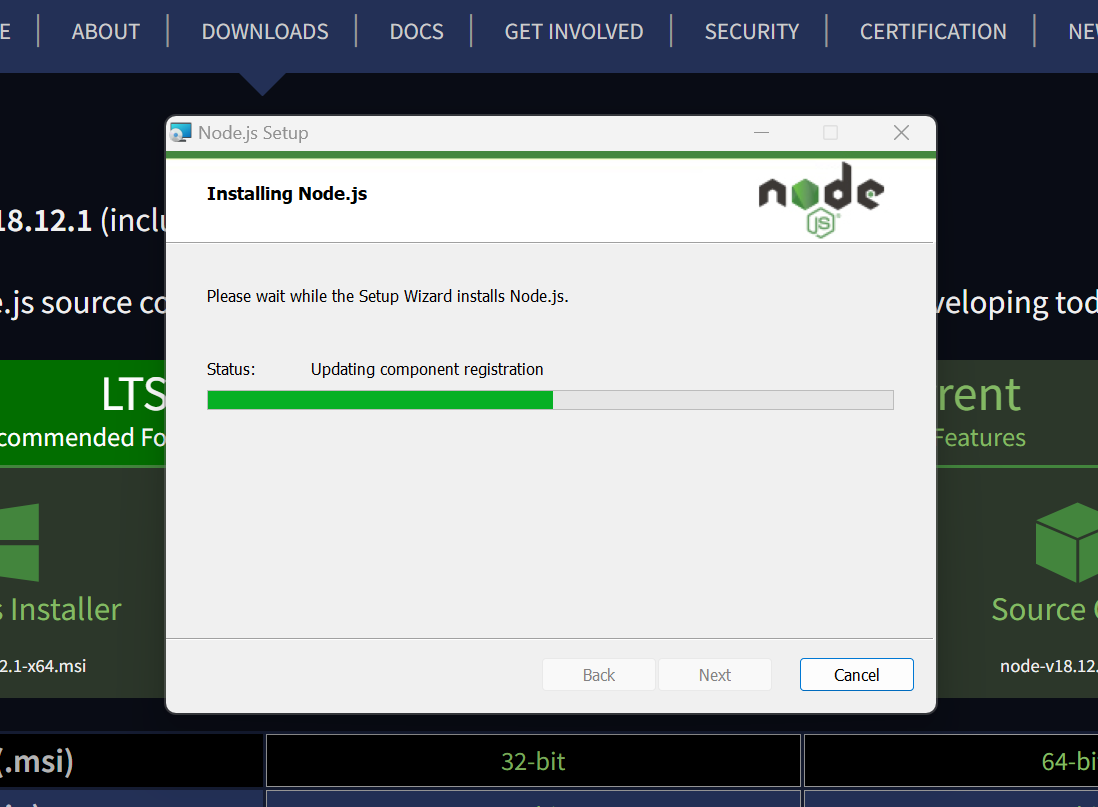
Installation started and after installation click finish
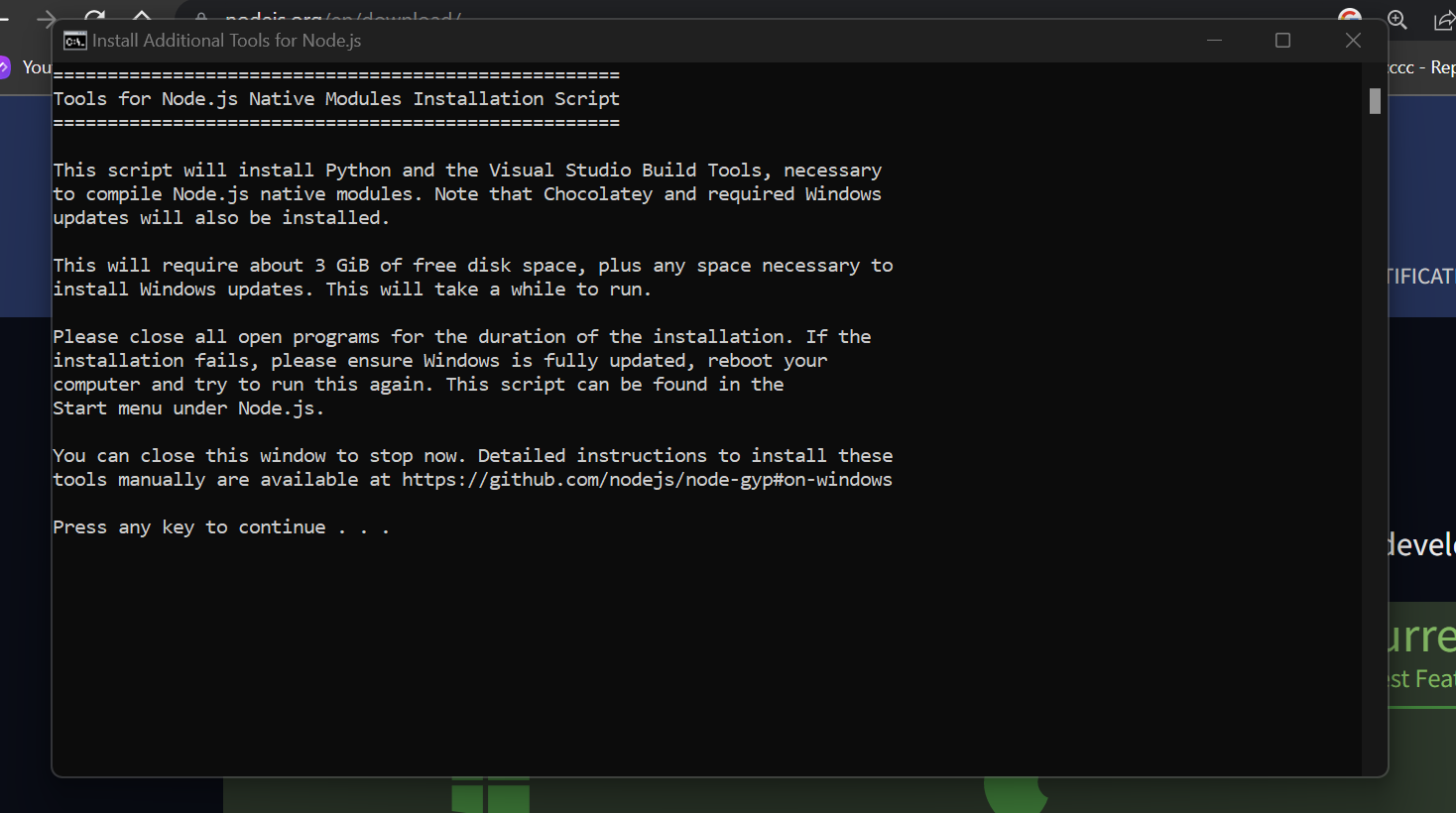
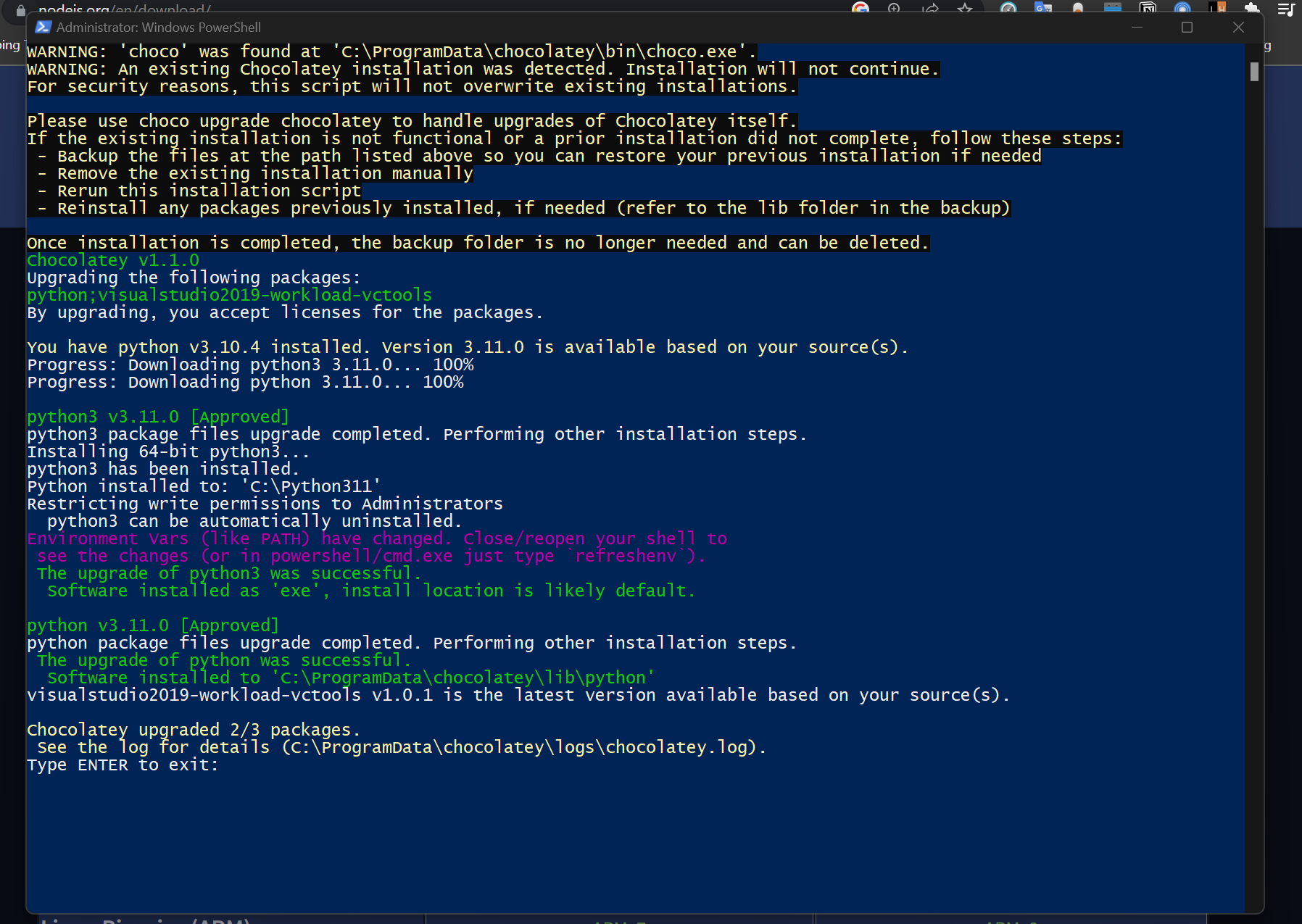
- After clicking on finish one terminal popup to install chocolatey please press any Key from Keyboard to continue
- After clicking any key from keyboard, PowerShell opened and waits for 5minute until options come TYPE ENTER to exit
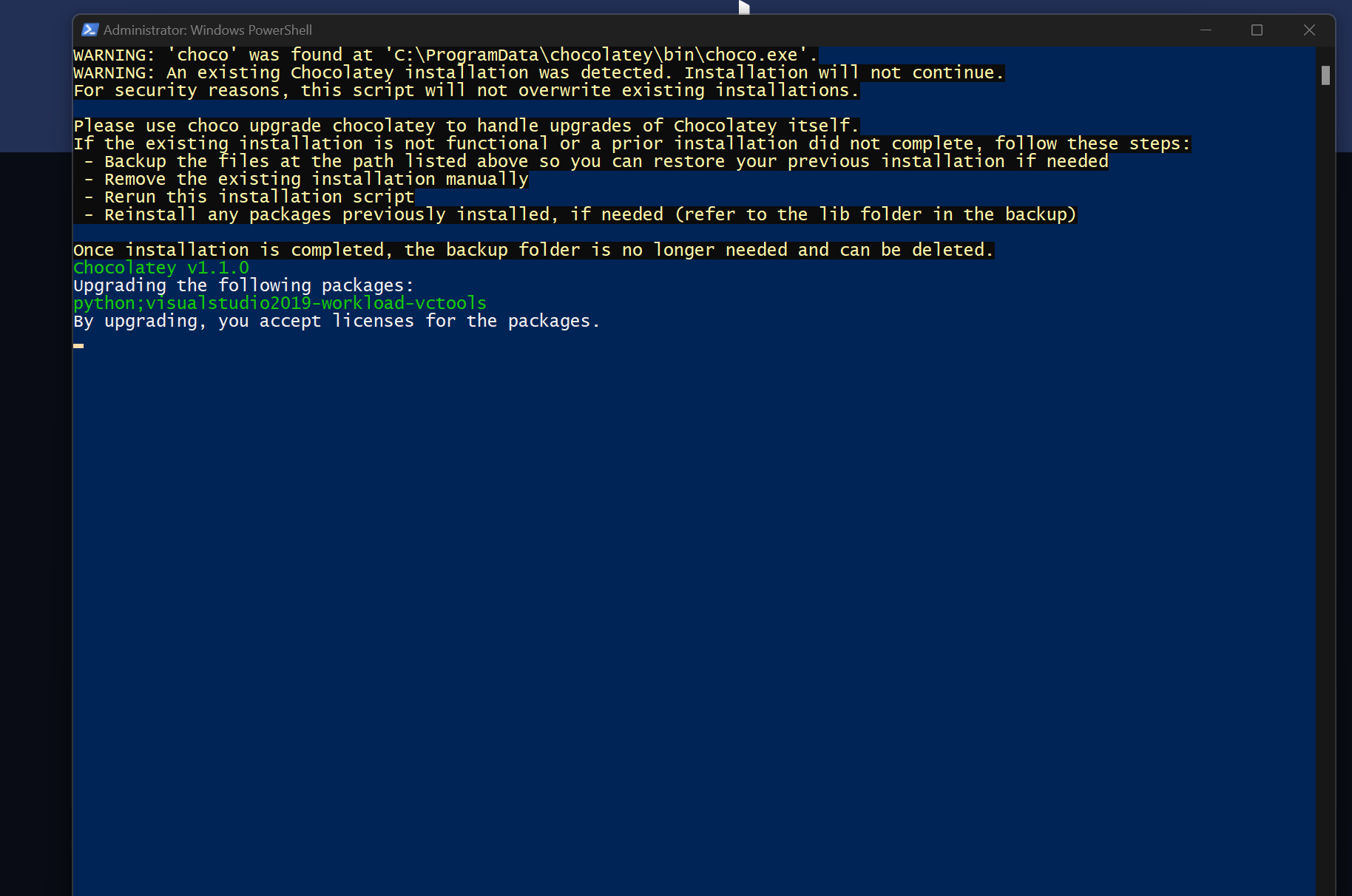
- Type Enter and you are done
How to Check Whether node.JS is installed or not in your system?
Follows Steps
- Open VS code and then create index.html file and nodetesting.js file and then write this code below
<!DOCTYPE html>
<html>
  <head>
    <meta charset="utf-8">
    <title></title>
  </head>
  <body>
    <h1>Hello, world!</h1>
  </body>
</html>const http = require('http')
const fs = require('fs')
http.createServer((req, res) => {
  fs.readFile('index.html', (err, data) => {
    res.writeHead(200, {'Content-Type': 'text/html'})
    res.write(data)
    res.end()
  })
}).listen(8000)
Open Terminal of vs code and write on terminal
node nodetesting.jsand Hit Enter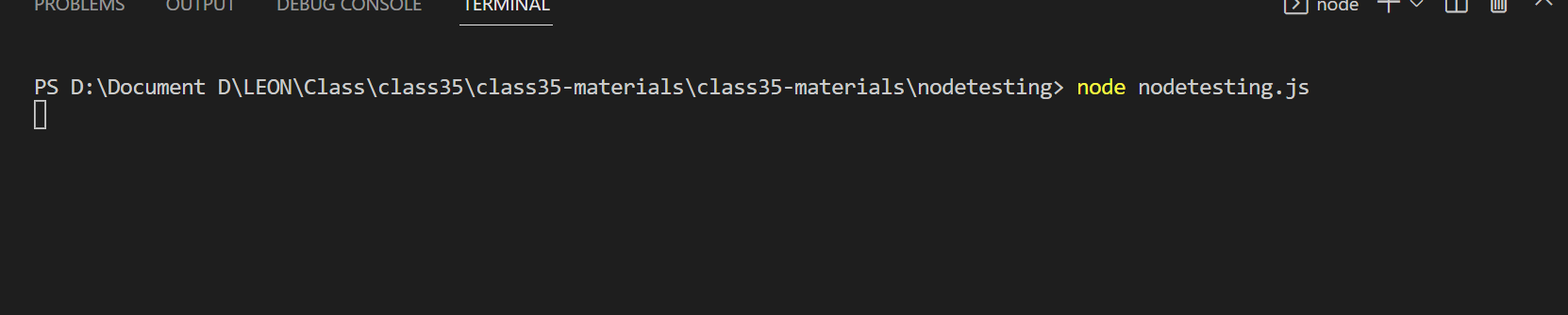
Open chrome browser using open with Live server extension and you can see a similar
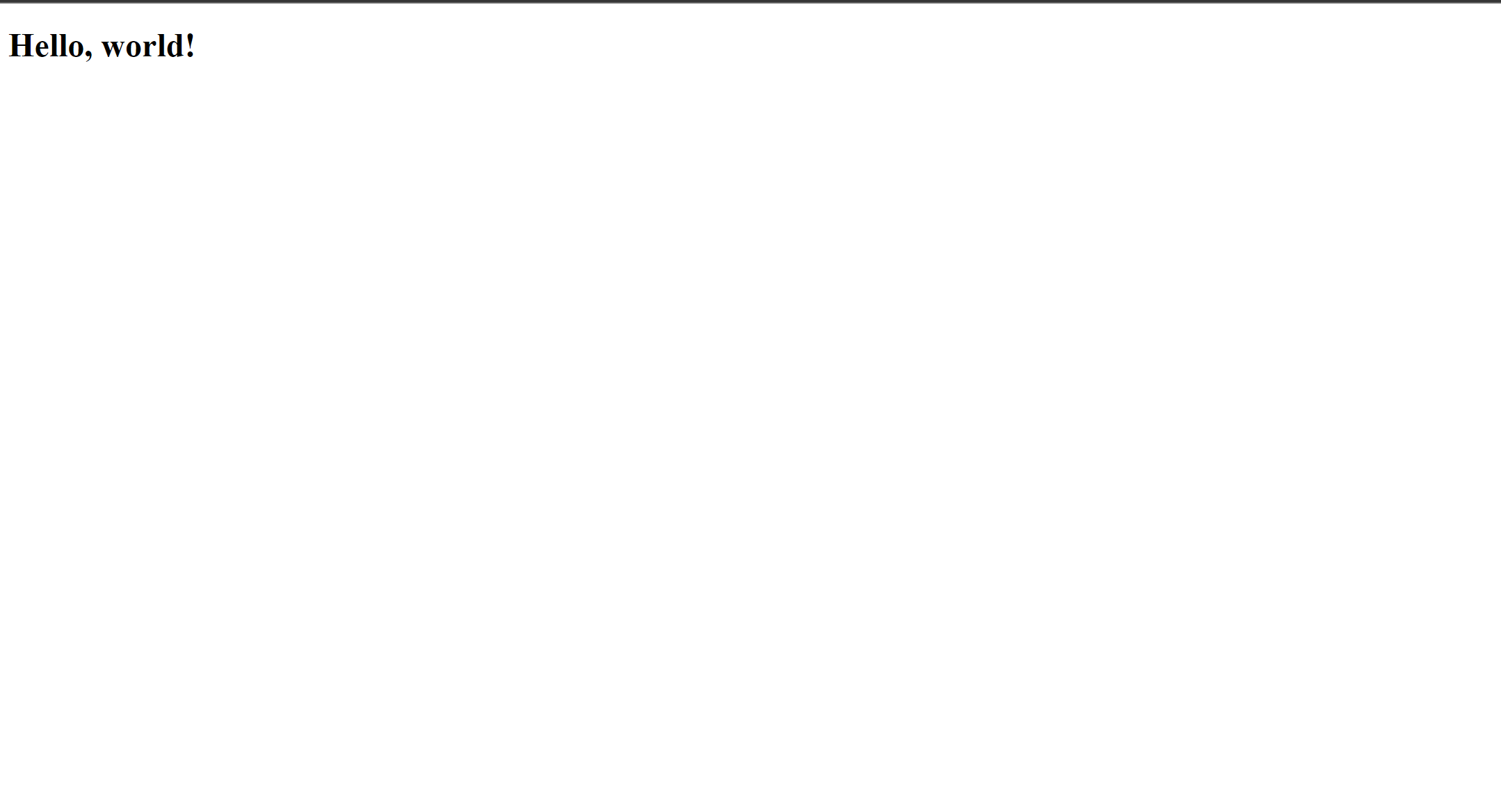
Finally, You are done with server-side programming. Congrats!


