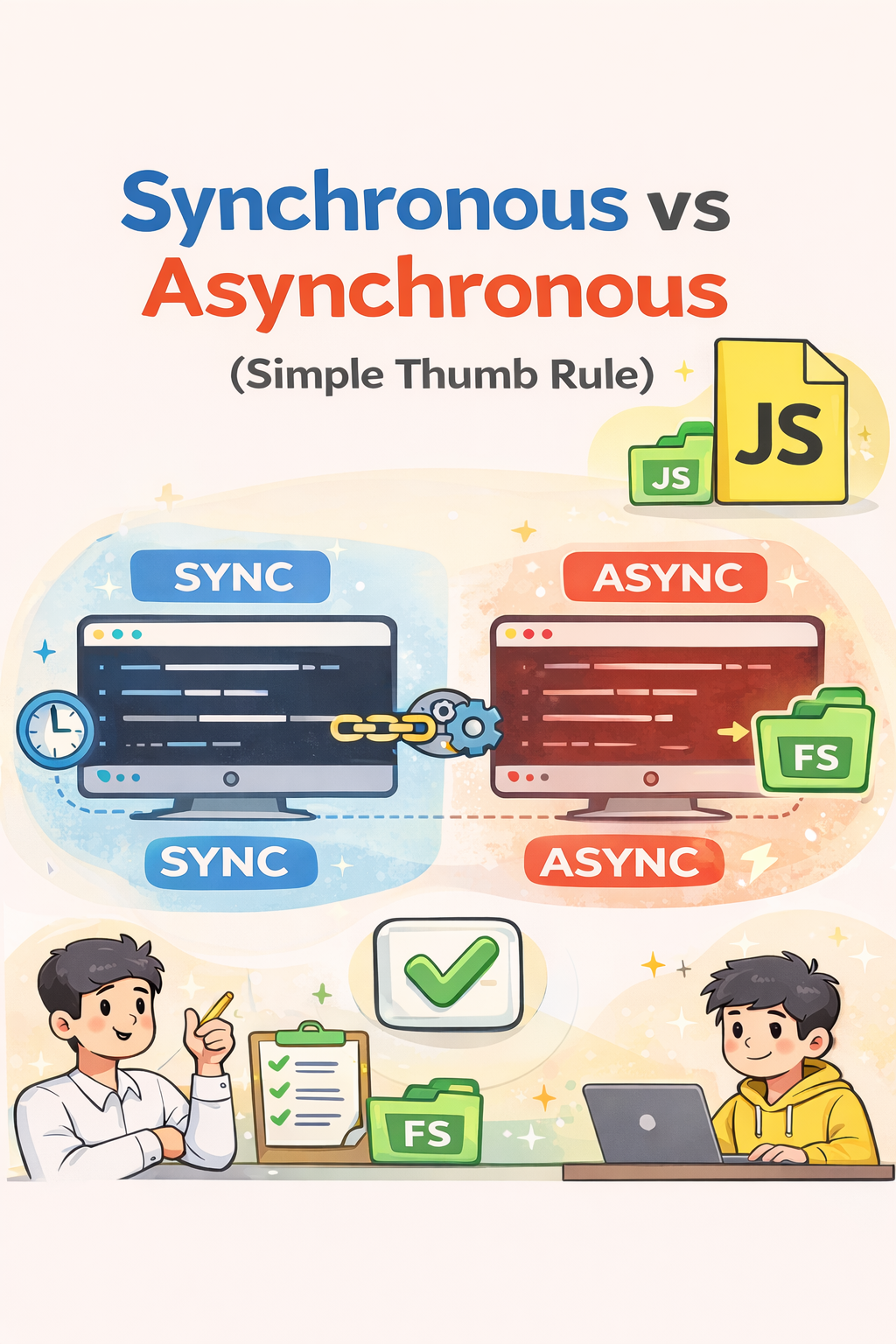
Synchronous vs Asynchronous (Simple Thumb Rule)
I'm Shubham (@shubhamsinghbundela), I'm a Software Engineer, a Full-stack developer, a tech enthusiast, and a technical writer here on @Hashnode. I have a strong zeal to share my acquired knowledge and I am also willing to learn from others.
1. Synchronous Code (Blocking)
Thumb Rule:
Synchronous code waits until the current task finishes before moving to the next line.
Example:
const fs = require("fs");

let contents = fs.readFileSync("a.txt", "utf-8");
console.log(contents);
What happens here?
readFileSync()reads the file.JavaScript waits until the file is completely read.
Only after that, it executes
console.log().
If reading takes 5 seconds, the program will pause for 5 seconds.
This is called blocking code.
2. Asynchronous Code (Non-Blocking)
Thumb Rule:
Asynchronous code does not wait. It moves to the next line immediately and runs a callback later.
Example:
const fs = require("fs");

fs.readFile("a.txt", "utf-8", (err, contents) => {
  console.log(contents);
});
What happens here?
readFile()starts reading the file.JavaScript does not wait.
When the file reading finishes, the callback function runs.
This is called non-blocking code.
3. Asynchronous using Promises
Instead of callbacks, we can use Promises.
Example:
function setTimeoutPromisified(ms) {
  return new Promise(resolve => setTimeout(resolve, ms));
}

function callback() {
  console.log("3 seconds have passed");
}

setTimeoutPromisified(3000).then(callback);
What happens here?
setTimeoutPromisifiedreturns a Promise.After 3 seconds, the promise resolves.
.then(callback)runs the function.
✔ Cleaner than callbacks
✔ Avoids callback nesting
✔ Easier to chain


